Eligible users can now use THB to buy Crypto via Binance TH on Binance.
To do this, you will need to bind your Binance TH account with your main Binance account by accessing this page here.
Available trading pairs:
On the Binance App
1. Log in to your Binance account and tap [Add Funds]. Select THB from the top-right button and tap [Buy with THB].

2. If you haven’t completed Identity Verification for your Binance account, you’ll be prompted to do so at this step.
3. Enter the amount and choose to pay with [Binance TH]. Tap [Preview Order] to continue.
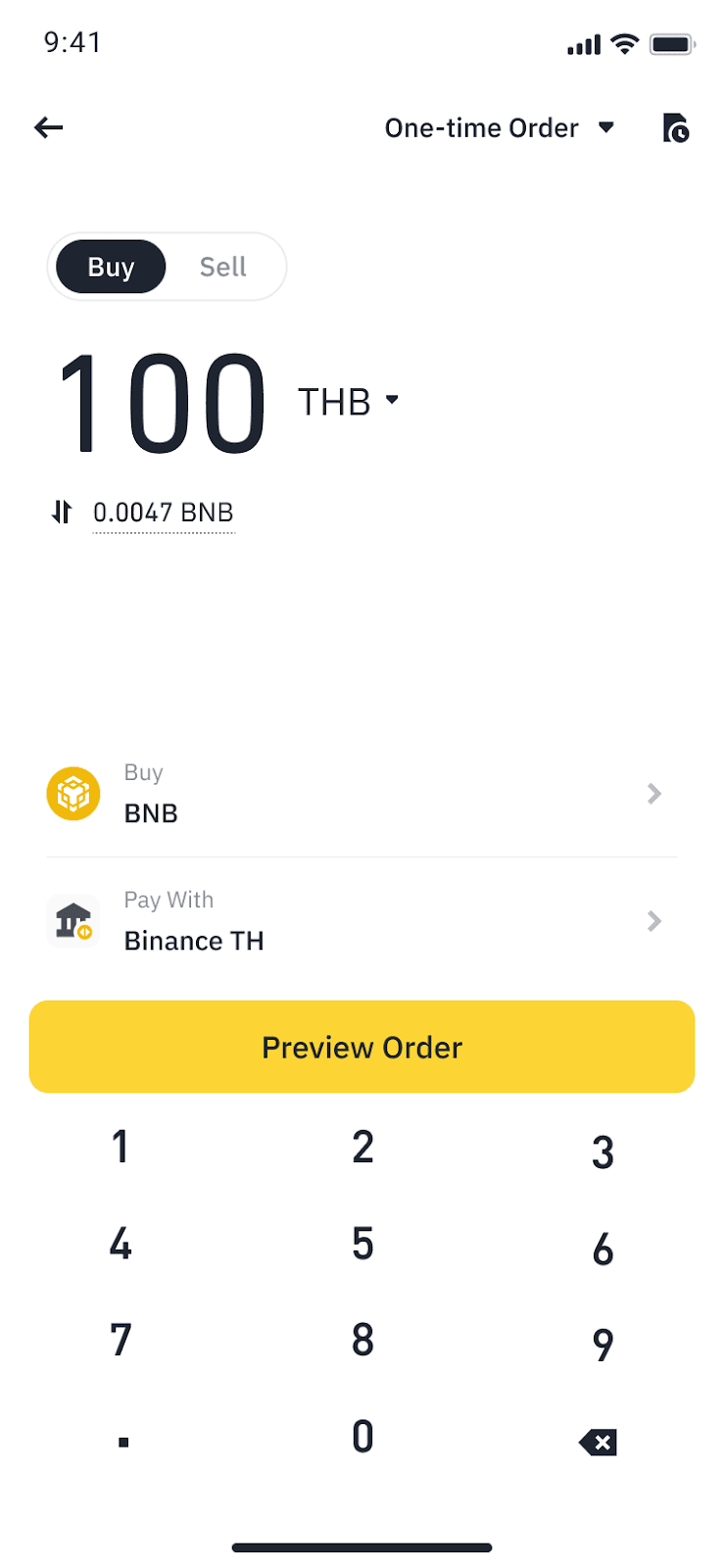
4. If you haven't bind your Binance TH account to your Binance account, you will be prompted to do so at this step. Please complete the binding process and come back.
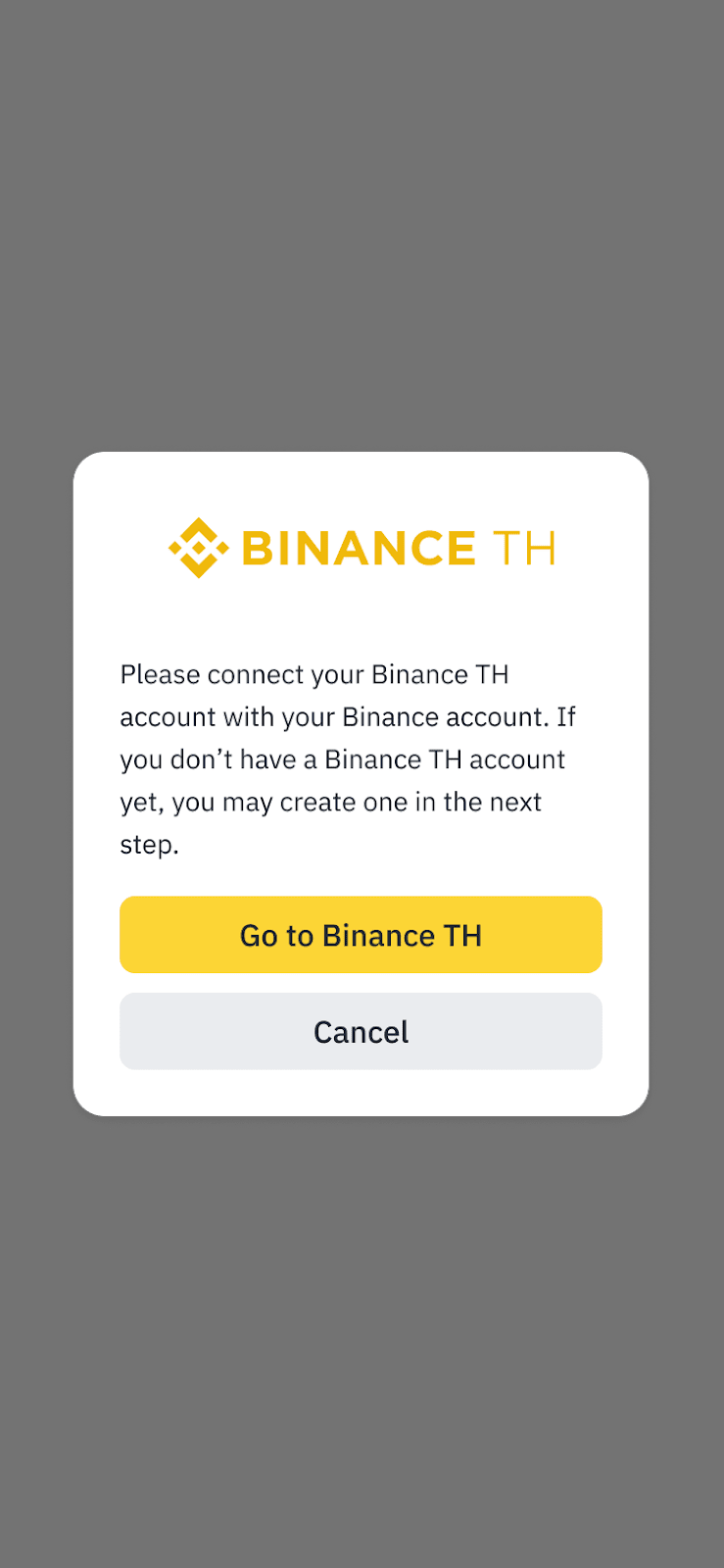
5. You will be directed to the Binance TH platform.
Please note:
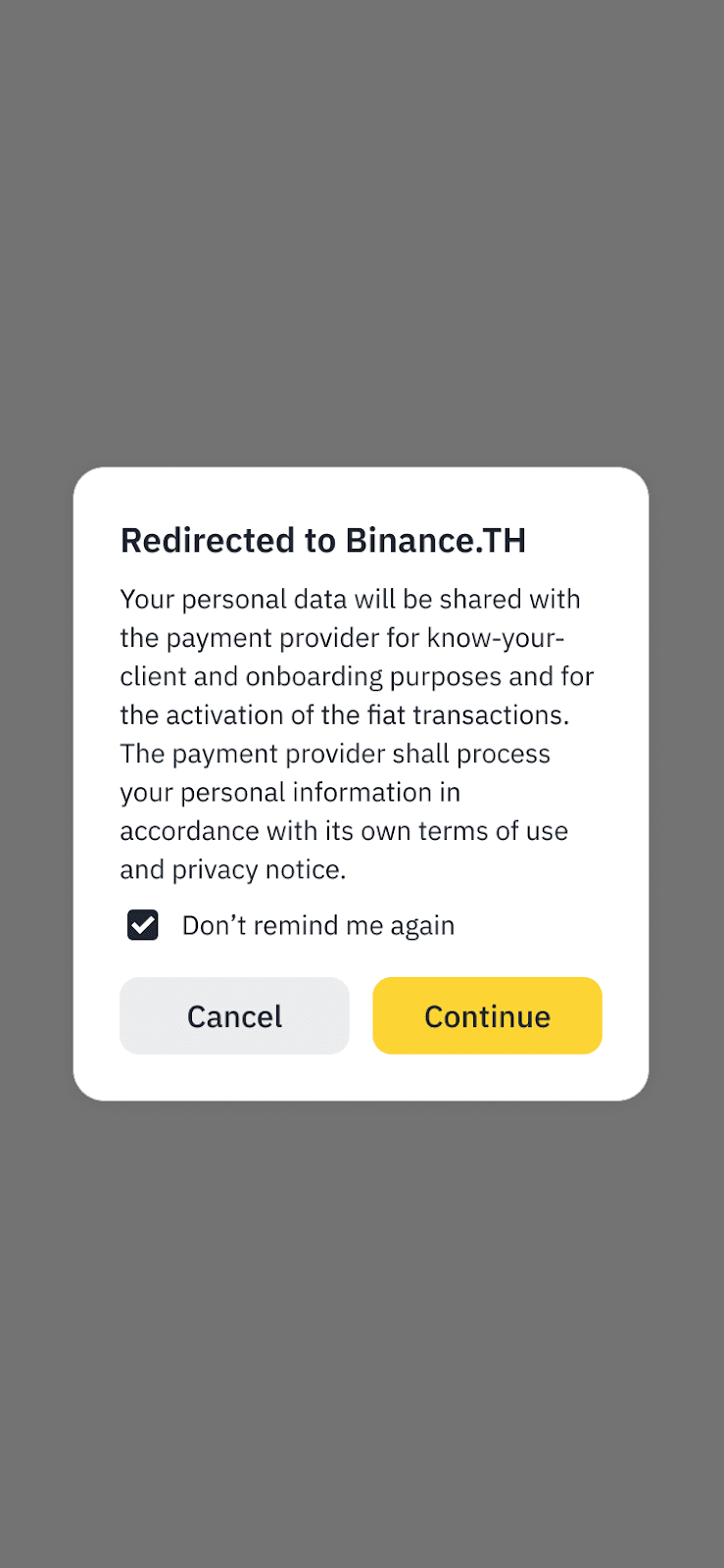
On Binance TH platform
1. Your order amount placed in Binance will be carried over to Binance TH. Complete the convert process to make your purchase.
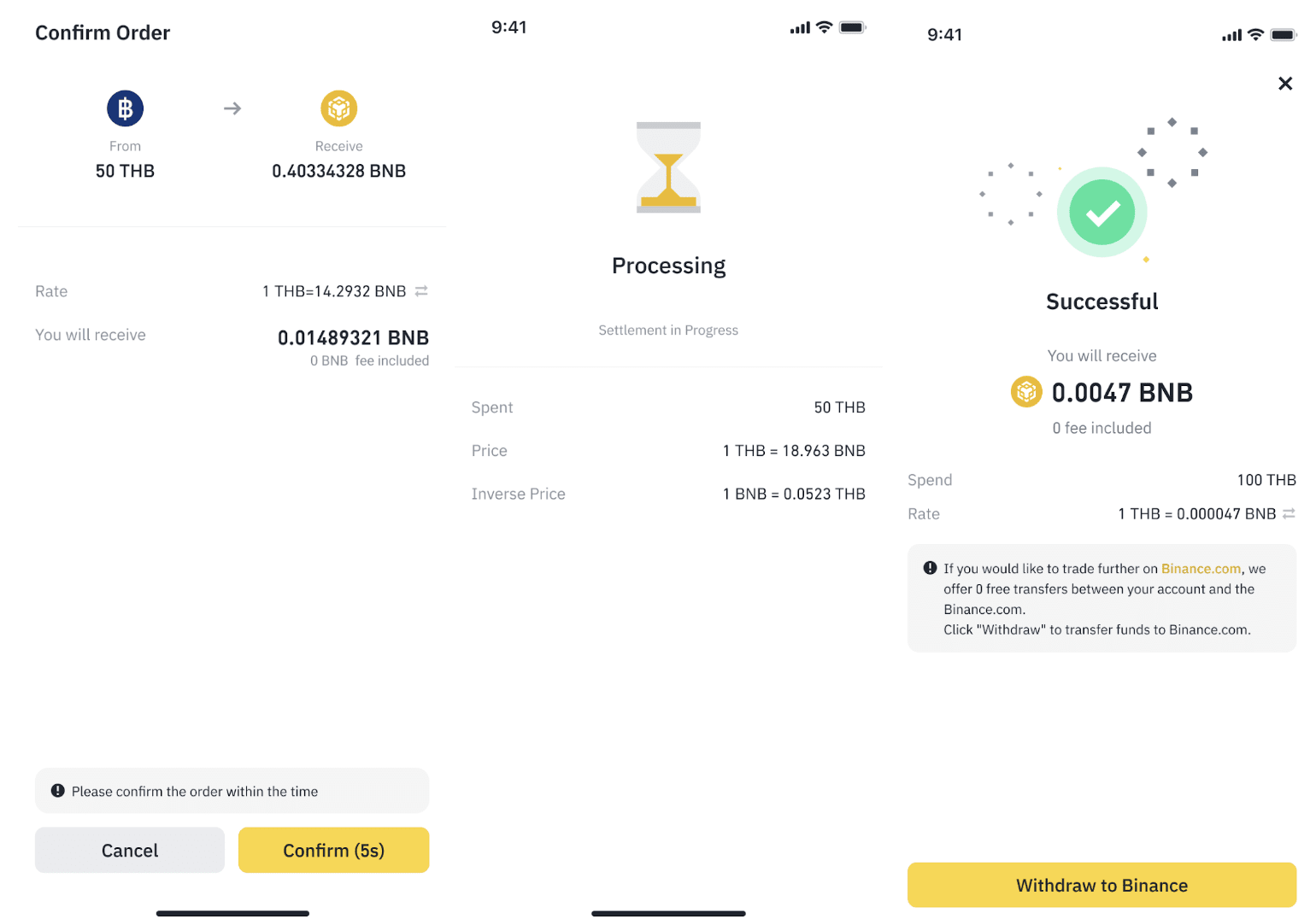
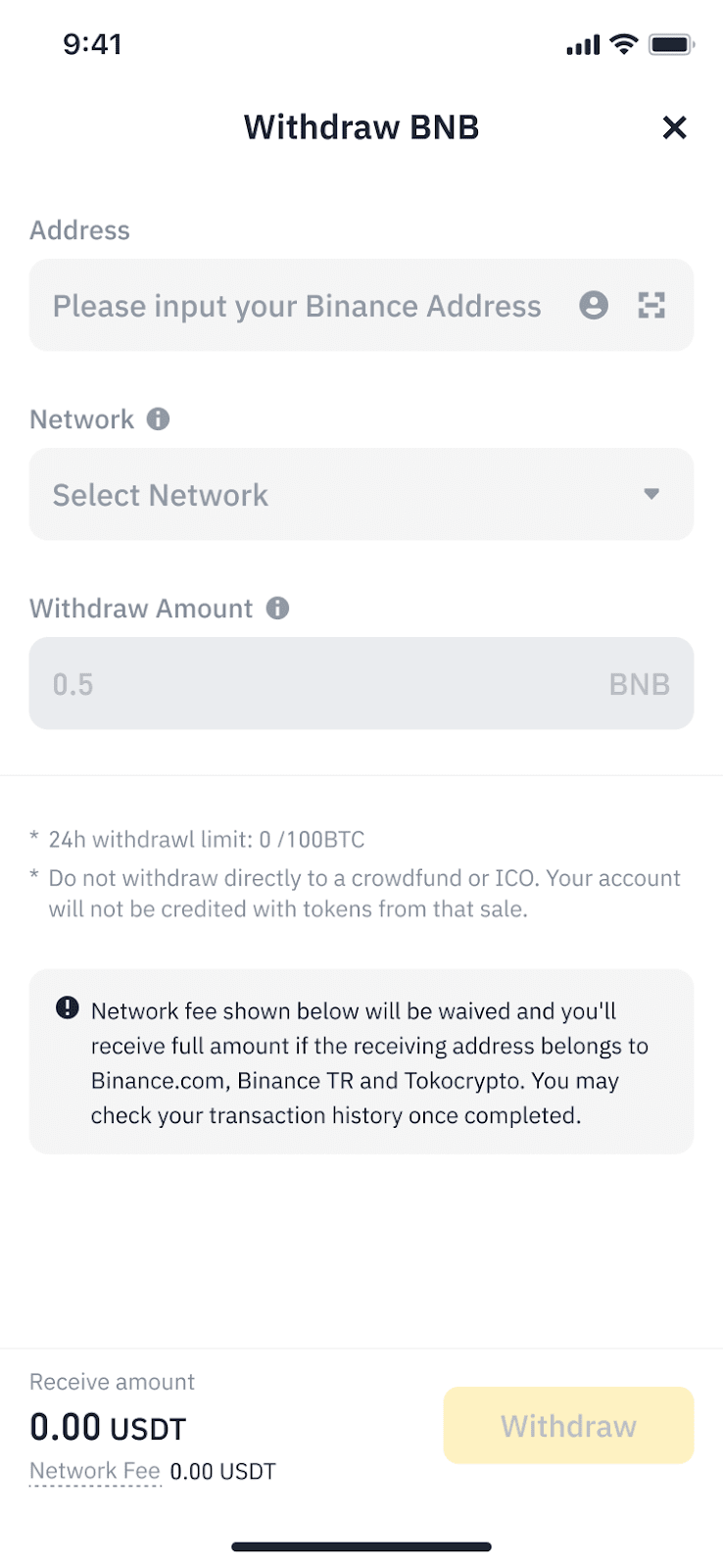
2. You will now withdraw your purchased crypto back to Binance.com. Please enter your Binance address and select network.
Please note:
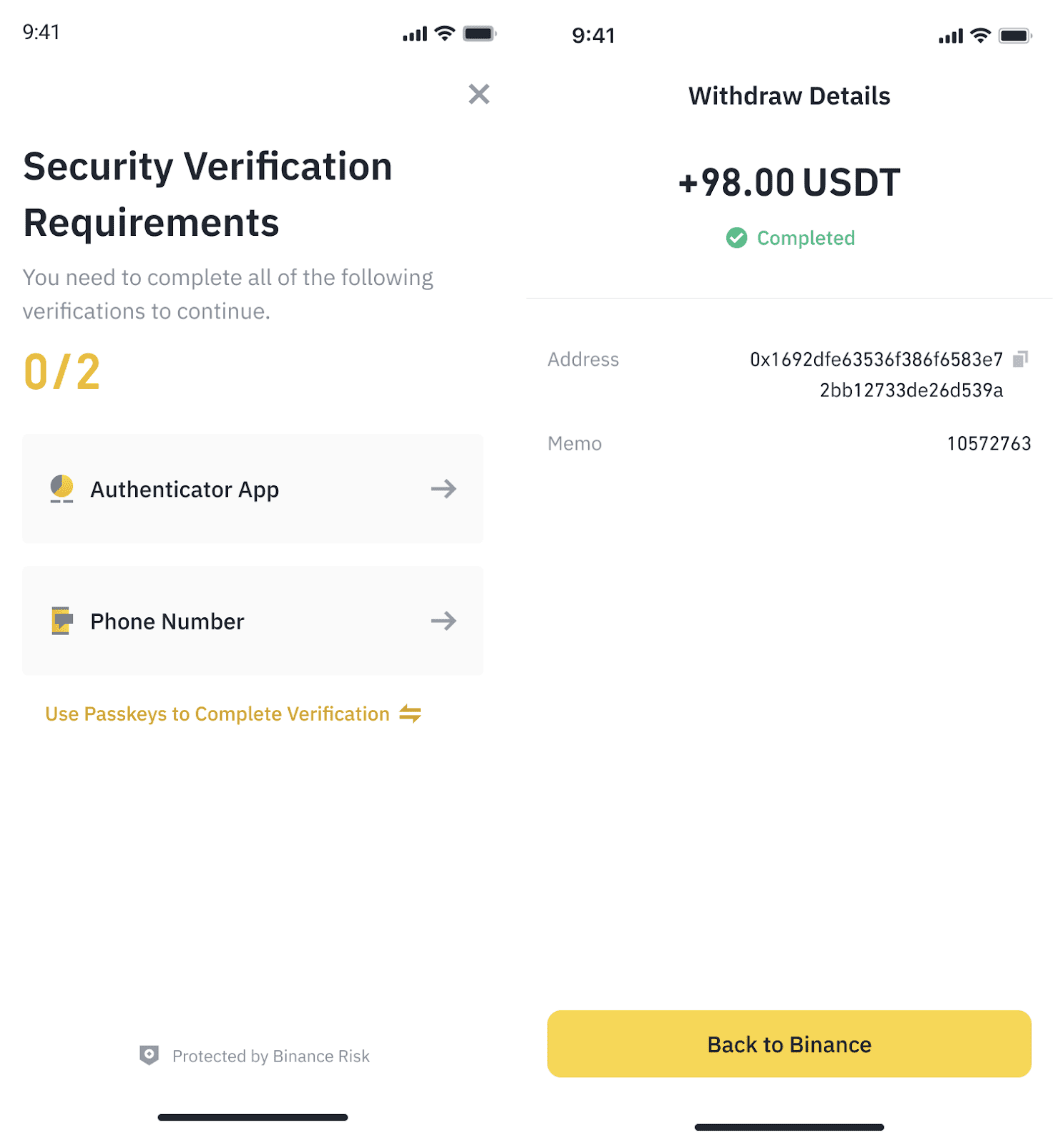
3. Complete 2FA process. Once completed, you may tap on [Back to Binance] to return to Binance and see your crypto arrive in your account.
To learn more, visit How to Sell Crypto for THB via Binance TH on Binance.
Eligible users can now use THB to buy Crypto via Binance TH on Binance.
To do this, you will need to bind your Binance TH account with your main Binance account by accessing this page here.
Available trading pairs:
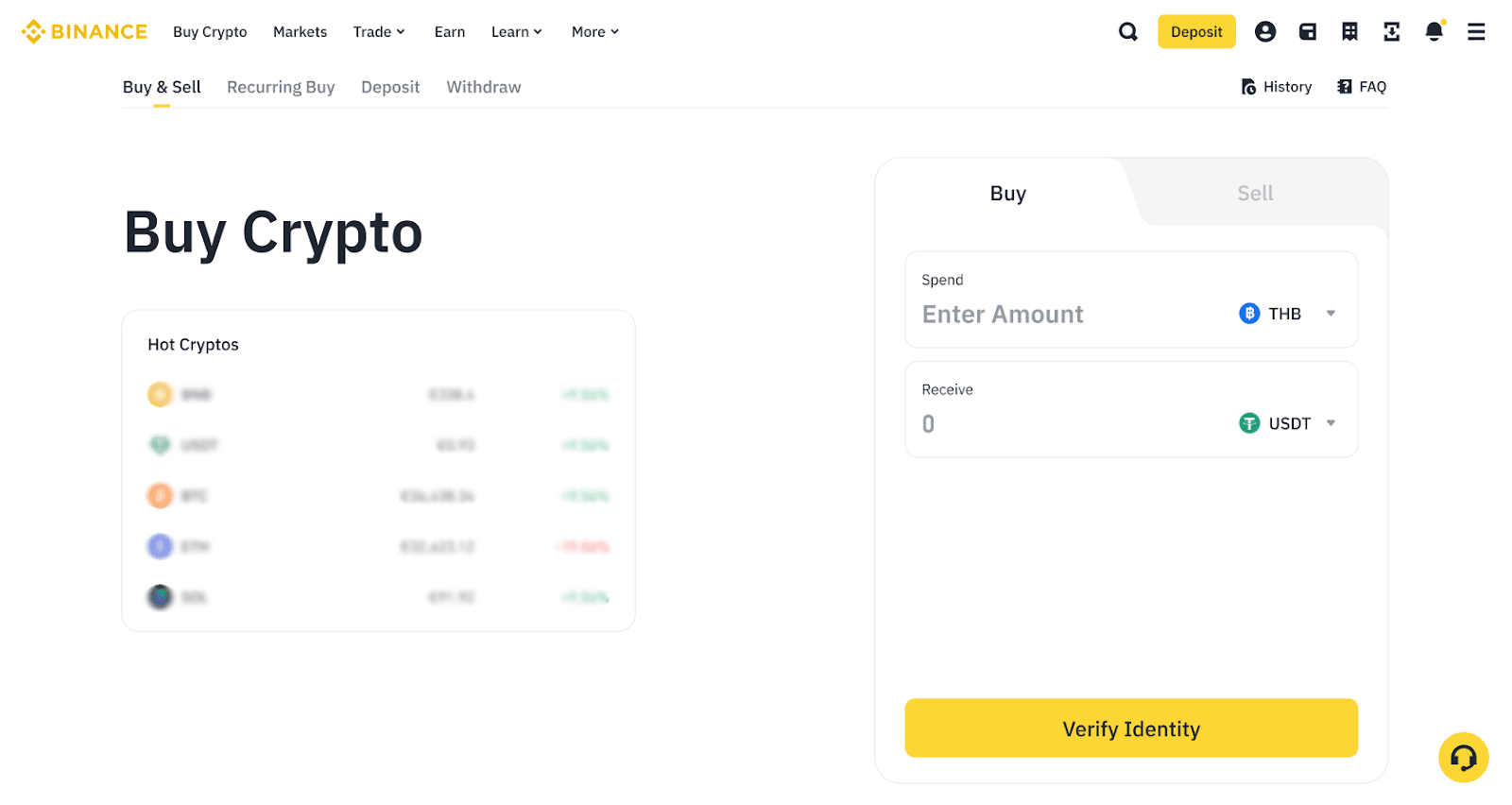
1. Log in to your Binance account and go to [Buy Crypto]. Select THB and the cryptocurrency you want to buy.
If you haven’t completed Identity Verification for your Binance account, click [Verify Identity] to continue.
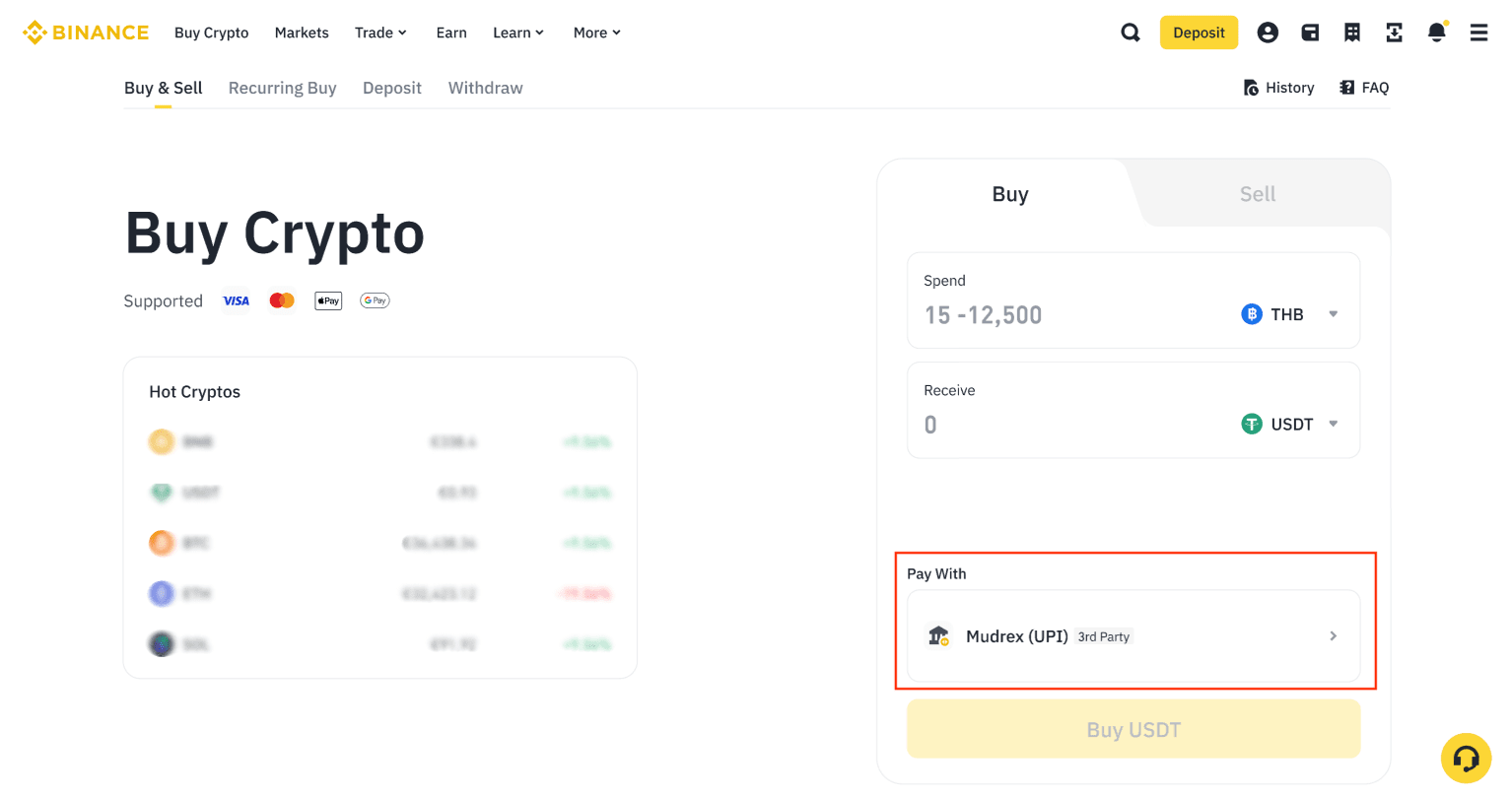
2. Enter the amount and select [Binance TH] under ‘Pay With’.
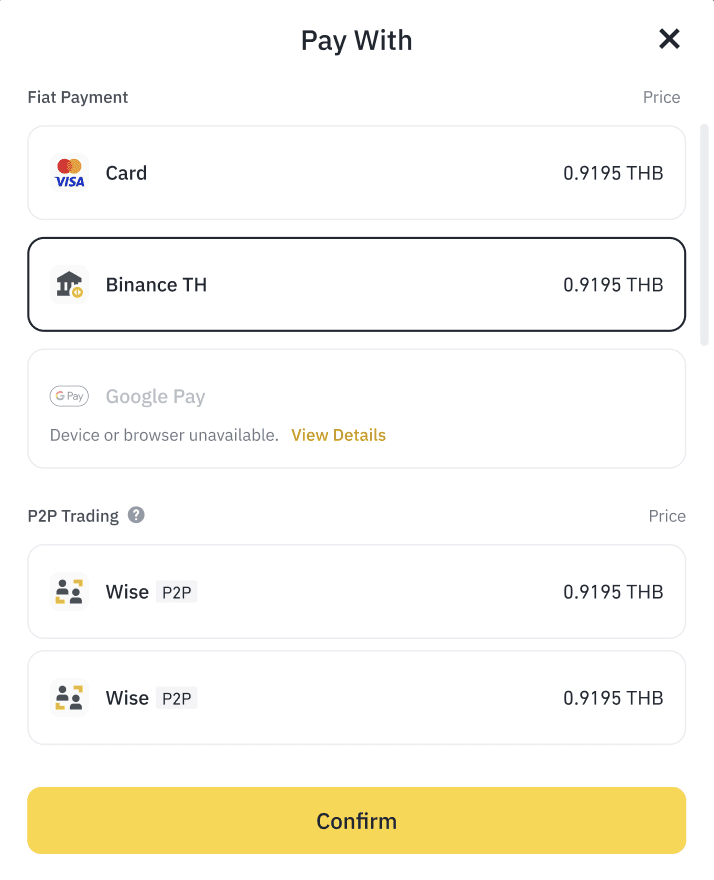
3.1 If you haven't bound your Binance TH account to your Binance account, you will be prompted to do so at this step. Please complete the binding process and come back.
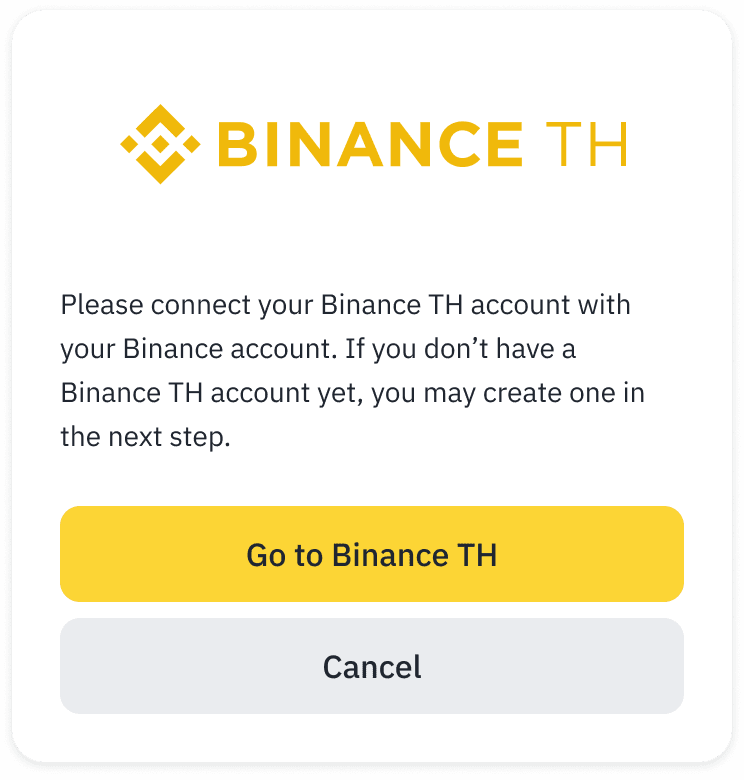
3.2 If you have bound your Binance TH account to your Binance account before, you’ll be redirected to Binance TH.
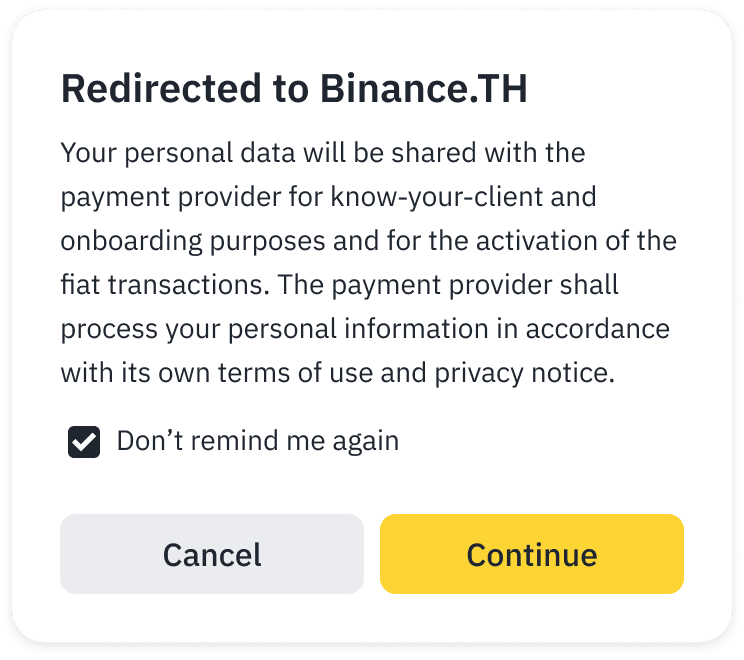
Please note:
4. Your order amount placed in Binance will be carried over to Binance TH. Complete the convert process to make your purchase.
Check your order details carefully before clicking [Confirm].
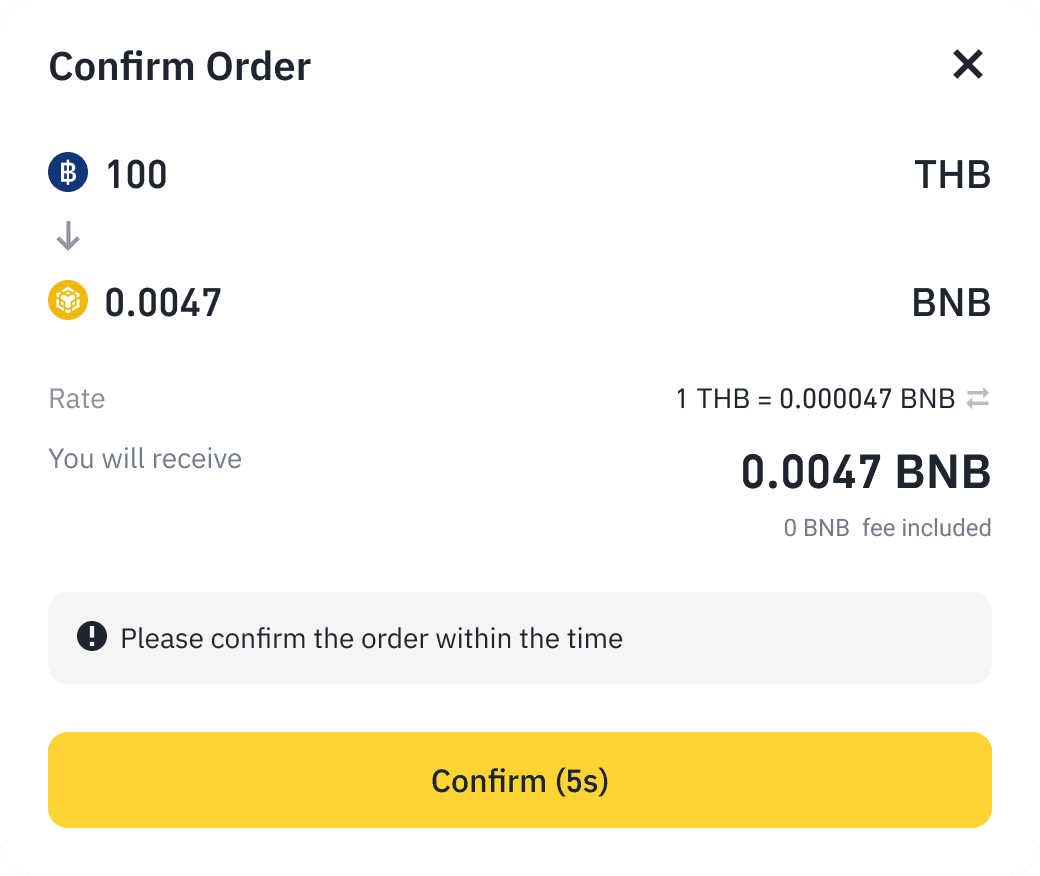
5. Once the order is successful, click [Withdraw to Binance].
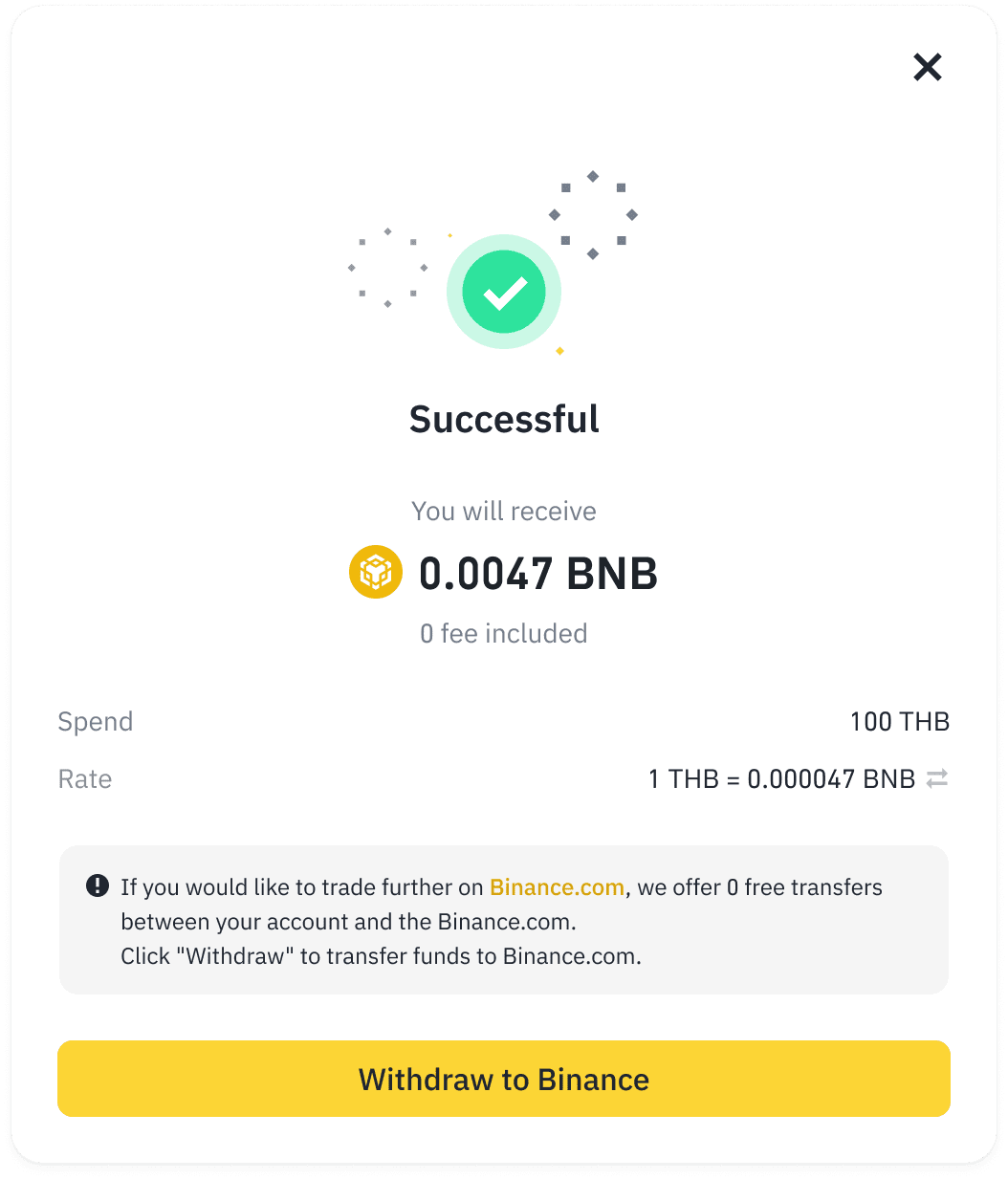
6. You will now withdraw your purchased crypto back to Binance.com. Please enter your Binance address and select the network.
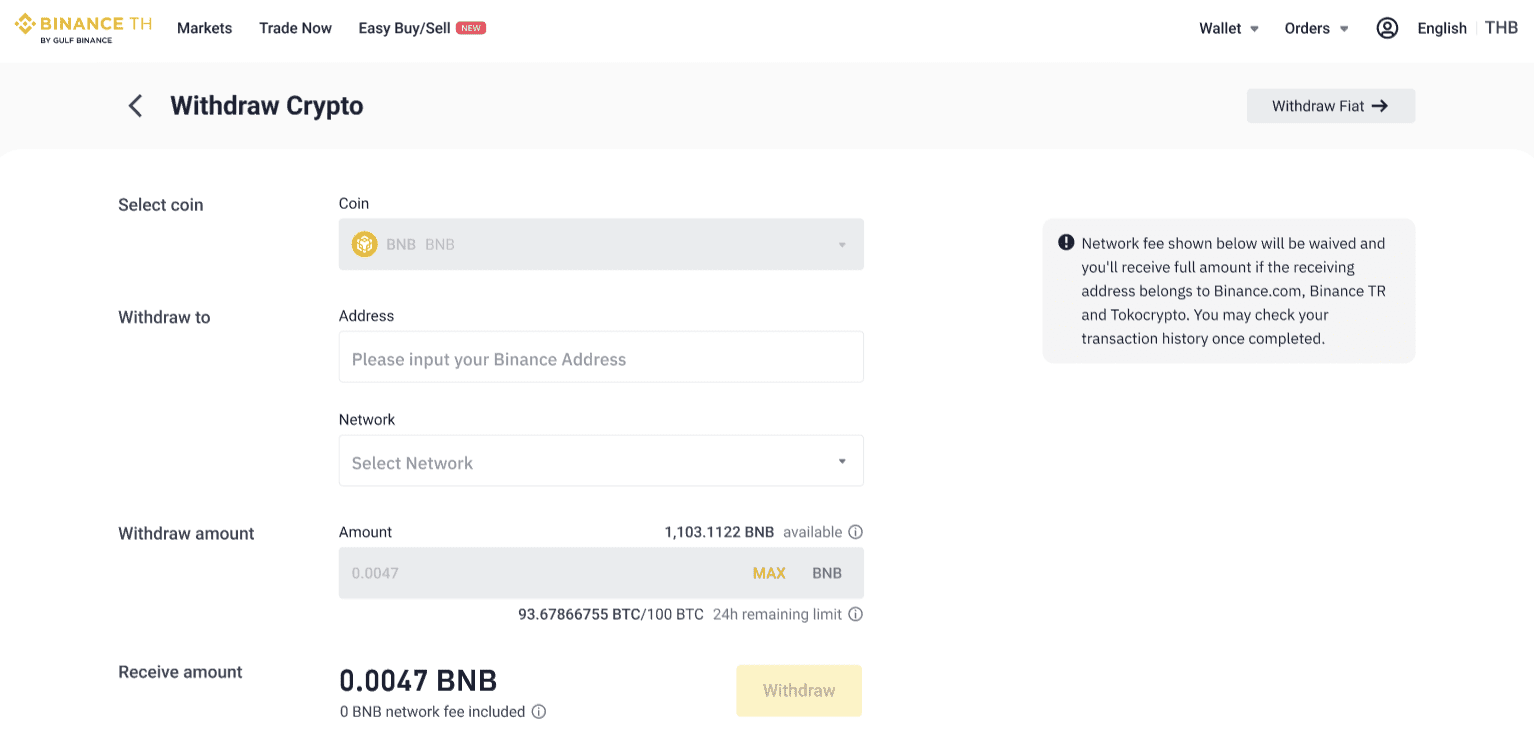
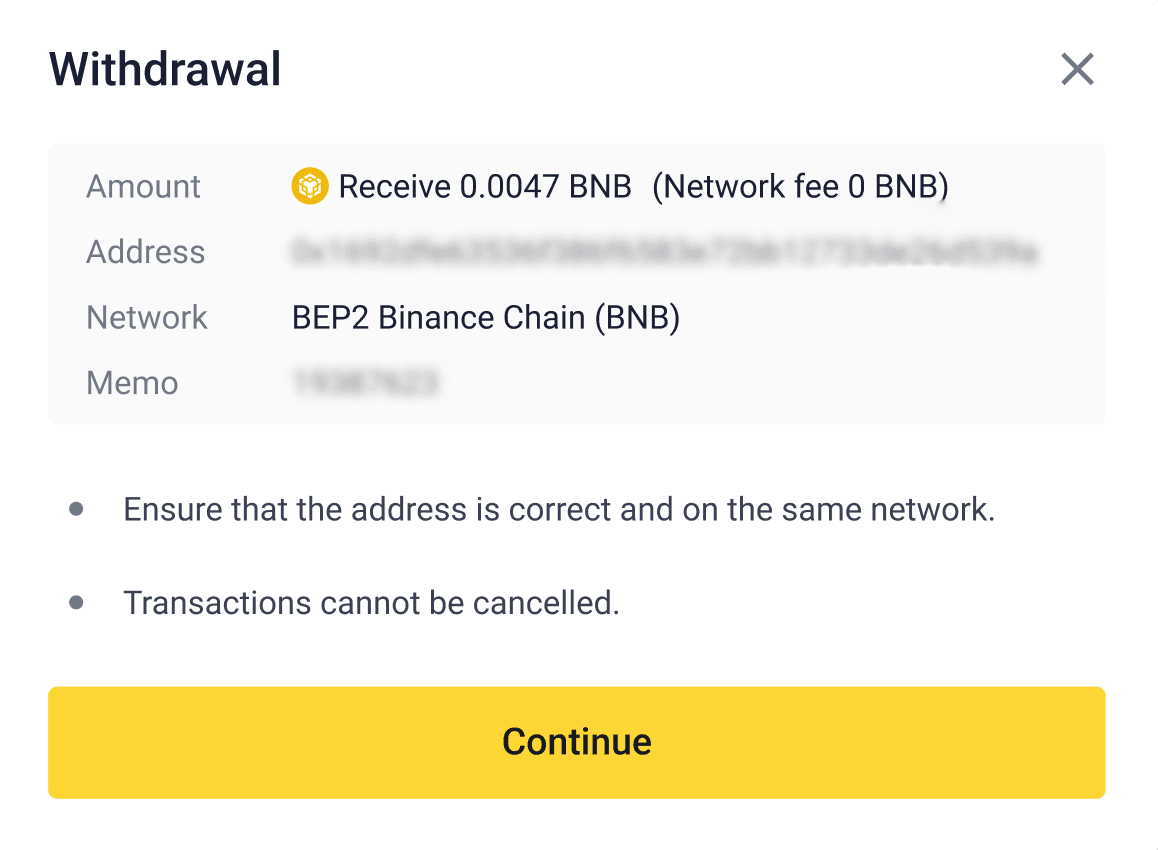
Please note:
7. Complete 2FA process.

8. Once withdrawal is completed, you may return to Binance and see your crypto arrive in your account.
To learn more, visit How to Sell Crypto for THB via Binance TH on Binance.
1. Which platform will users need to complete KYC on?
Users will need to complete KYC on both Binance and Binance TH in order to use this payment method.
2. Do both accounts on Binance and Binance TH have to be owned by the same person?
Yes, the account holder of both platforms must be one person and there are relevant checks in place for verification.
3. Where can I see if my Binance TH account has successfully been binded to my Binance account?
This information will be shown in the following sections:
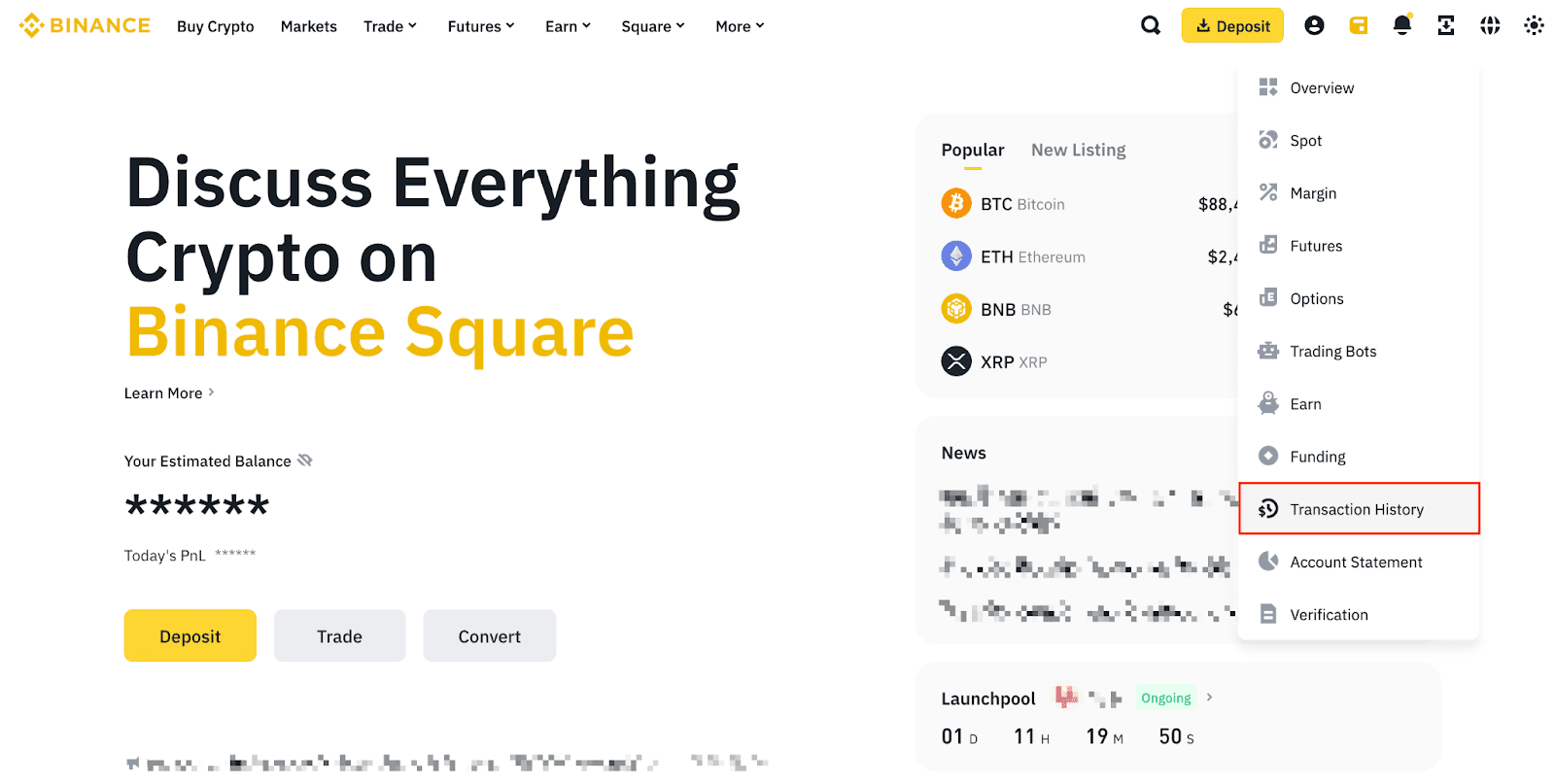
4. Where can I check my transaction history?
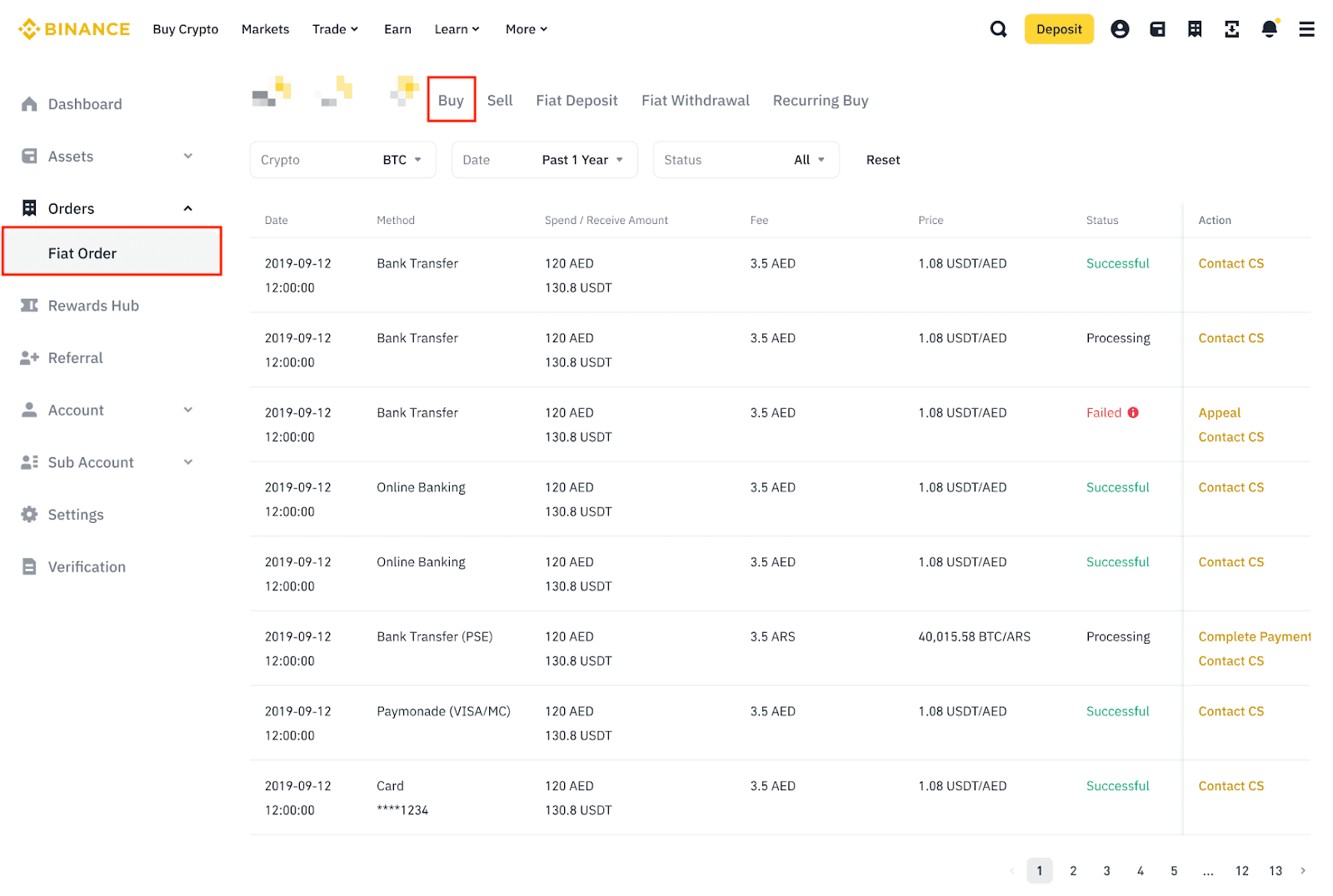
To check your transaction history via web, go to [Assets] - [Transaction History] - [Fiat Order] - [Buy].
To learn more, visit How to Sell Crypto for THB via Binance TH on Binance.
