
1. Conditions to "Go Live"
To activate the Livestream feature and receive Tips, you need to ensure:
• Verification: The Binance account has completed KYC.
• Reputation: The Square account is functioning well and does not violate community standards.
• Value: The content focuses on knowledge, analysis, or practical guidance.
. Live conditions: >1000 follow
2. The 4-Step Process to Start Livestreaming
1. Access: Open the Binance App → Select the Binance Square icon → Tap on the Livestream section.
2. Setup: Create a brief title that is catchy and on point.
• Example: "BTC Wave tonight: Beautiful Entry point or a trap?" or "Live trading: How to manage a capital of 100$".
3. Preparation: Script for about 15-45 minutes, prepare the necessary charts for analysis.
4. Go live: Press the Start button and begin connecting with the community.
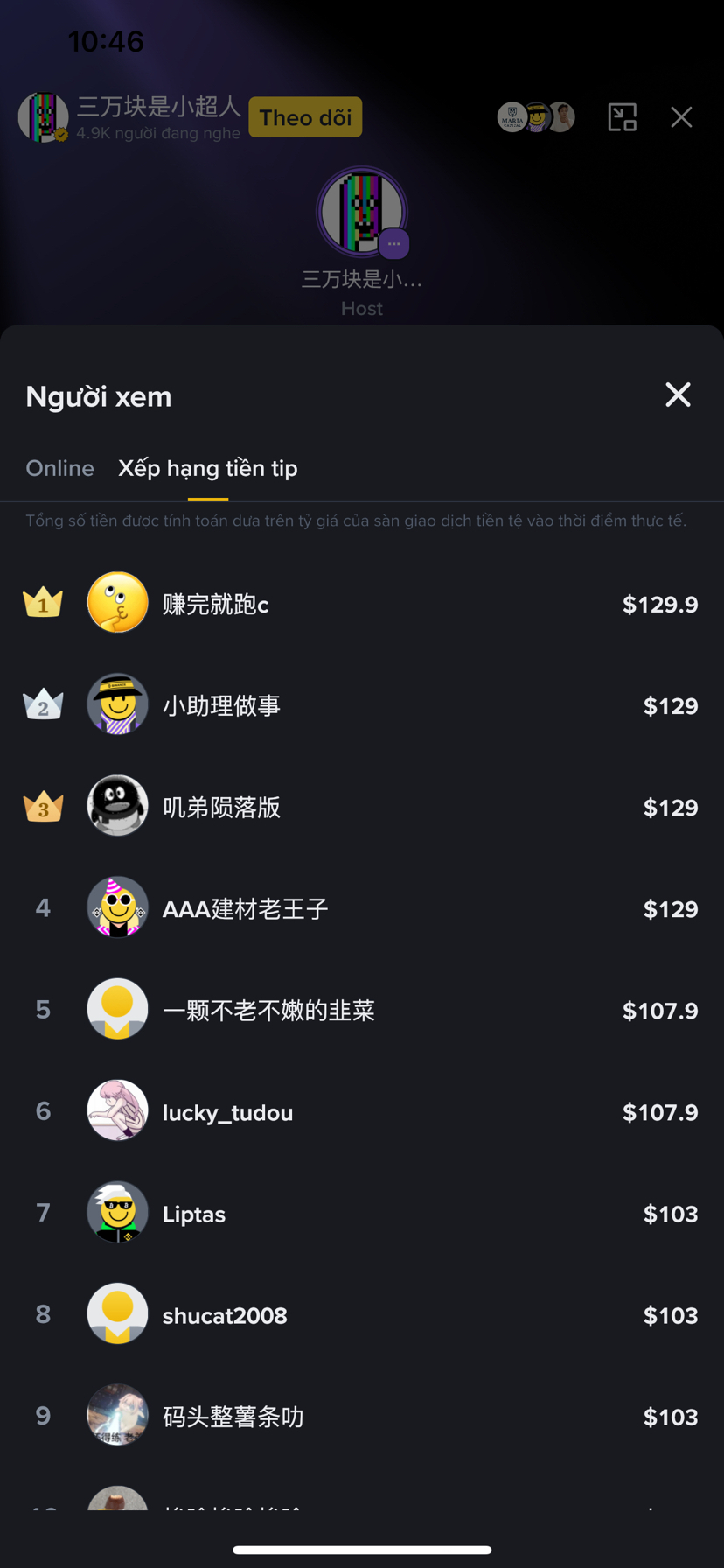
3. Mechanism to Receive Tips & Increase Income
Viewers can send you gifts in Crypto while watching live or reading the article.
This is an example 👇
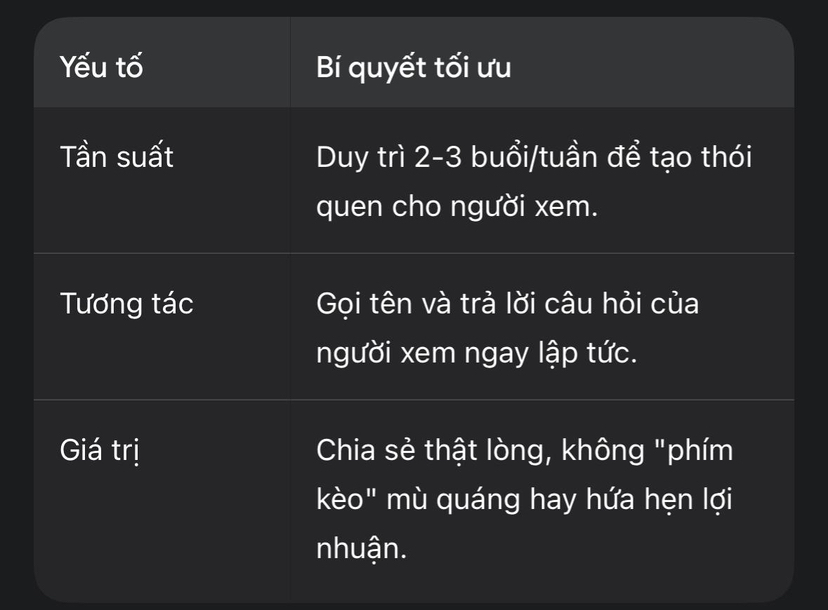
4. The most "View-Attracting" topic right now
• Newbie 101: A guide to using the new features of Binance.
• Psychological warfare: Share experiences on overcoming the fiery red market phase (FUD).
• Betting tips with experts: Technical analysis based on the latest hot news of the day.
• Real review: Share a trading diary, lessons learned from personal mistakes.
=> Binance Square is not only a place to update news but also a "gold mine" for Content Creators. If you have knowledge about Crypto, don't miss the opportunity to share and receive tips directly from viewers.

